v0.70July 23, 2026
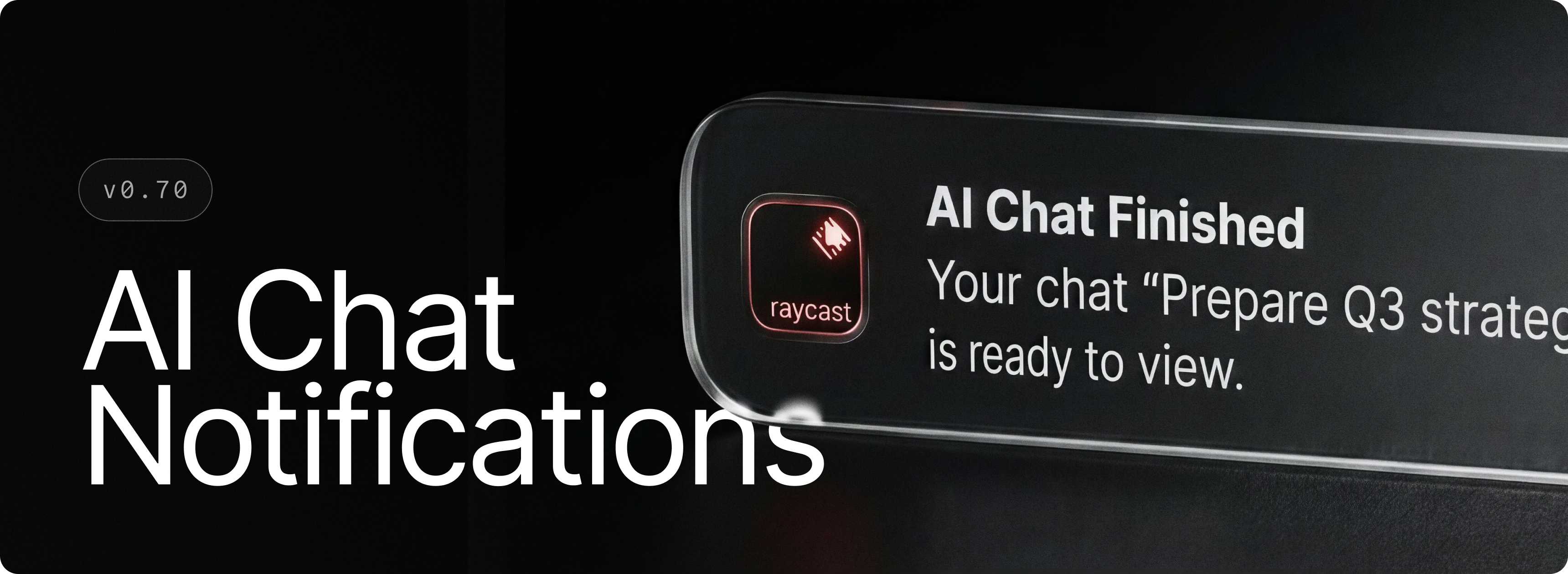
Some AI Chat requests take a little longer, and you shouldn’t have to keep checking whether they’re done.
Background notifications let you know when AI Chat has finished responding or needs your input while you’re working elsewhere. Keep using another app or chat, then jump back in from the notification when you’re ready. You can turn them on or off anytime in AI settings.
✨ New
- AI: Generated images can be dragged and dropped into other apps
- AI: New speed and intelligence stat bars make it easy to differentiate models
- AI Chat: Chats in the sidebar can be dragged and dropped between sections like Recent, Archive, individual folders and Pinned
- Quick Fix: Added an experimental option to preserve text formatting in supported apps like Slack and Notion. Enable it in the command’s settings
- Dictation: A new activity graph to see when you’re using dictation the most
💎 Improvements
- AI: Changed links in markdown to blue color to make them more visible
- AI Chat: Simplified and cleaned up the layout of the composer, confirmation prompts and questions asked back to the user
- AI Chat: Added right-click actions for links and files, making it easier to open, copy and share them
- AI Chat: Right-click anywhere in the sidebar to quickly create a new folder
- Cloud Sync: Added support for networks that use TLS-inspecting proxies (common in corporate setups) — Raycast now trusts the system certificate store and user-installed certificates, and shows a clearer status when a network blocks the secure connection
- Cloud Sync: The Synced Content view now shows real progress while duplicate items are being cleaned up
- Cloud Sync: Syncing a large backlog now runs in small, paced batches and pauses itself when it would slow down what you're doing, so the app stays responsive during big catch-ups
- Dictation: The “Copy Last Transcription” command is now “Get Last Transcription” and supports pasting to the active app too
- Dictation: Added Cloud Sync support for Transcription Styles
- Hotkeys: Added support for multi-modifier hotkeys (e.g. ⌥⌘)
- Hotkeys: Added support for single-tap modifier hotkeys (e.g. Right ⌘, Right ⇧)
- Performance: Improved latency for opening Clipboard History and Search Emoji & Symbols via hotkey
- Root Search: Improved application icons refresh when the source bundle icon updates
- Root Search: Added indexing for Parallels (Windows) applications when App Sharing is enabled in Parallels
🐞 Fixes
- AI: Fixed dictation getting re-triggered in some cases after running the Ask User Question tool
- AI: Branching a chat now duplicates its attachments, so the new branch keeps its files
- AI: Fixed bug in Quick AI where editing a message wasn’t regenerating the response
- AI Chat: Fixed chat deeplinks to open the linked conversation
- Cloud Sync: Fixed very long AI chats losing part of their history when syncing across devices
- Cloud Sync: Fixed disabling Cloud Sync and installing updates not working while the database was busy
- Cloud Sync: Fixed changes made right before a restart occasionally not being synced
- Notes: Fixed the emoji picker closing when text reflows
- Translator: Result text area can now be selected